English
 Русский язык
 بالعربية

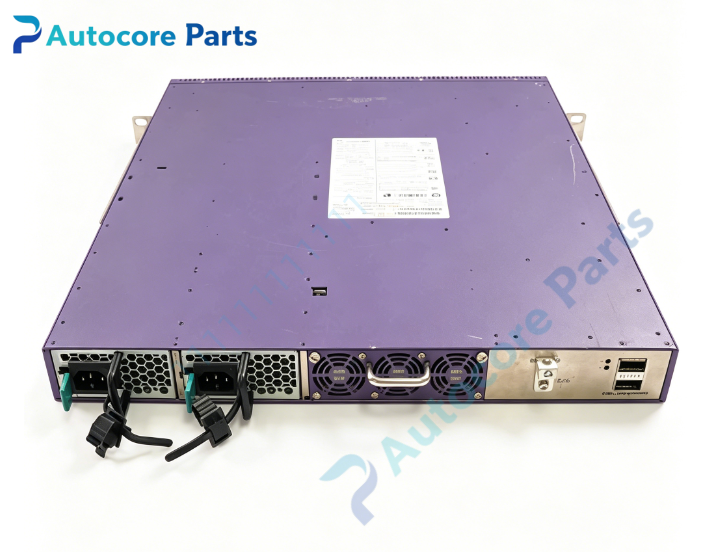
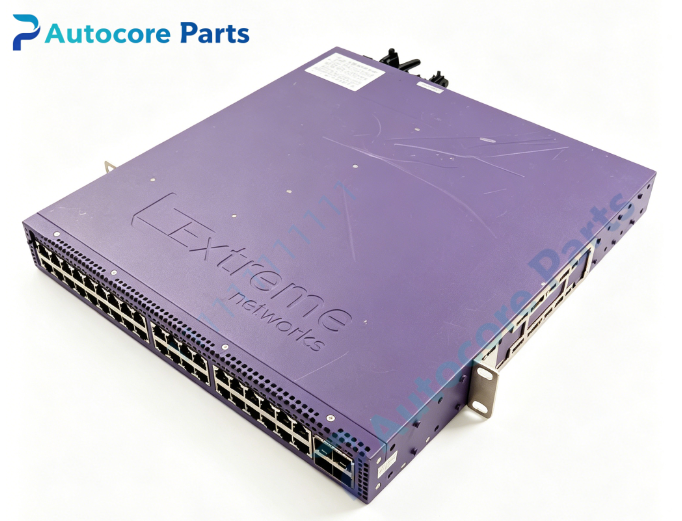
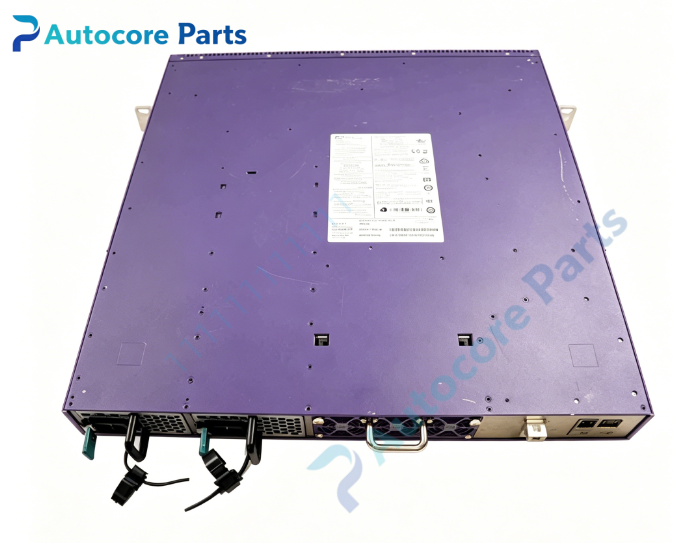
Products Description
Extreme Networks SUMMITSTACK-V8 Virtual Stacking Technology

Technical SpecificationsModel:SUMMITSTACK-V8 Brand:Extreme Networks Product Type: Switch virtual stacking protocol / stacking solution
Max Stack Members: Up to 8 switches per stack Stack Link Speed: 10.3125Gbps per SFP+ stacking port Media Type: 10G SFP+ optical transceiver or SFP+ passive DAC twinax cable Transmission Distance: 0.5m up to 40km (depends on SFP+ module) Software Requirement: ExtremeXOS minimum 15.1.1 Supported Hardware: Summit X450a, X460, X480 series with SFP+ uplink/expansion cards Stack Topology: Ring or linear topology Management: Single IP management for entire stack Hot add/remove: Support member replacement without whole stack power-off Operating temperature:0℃ ~ +50℃
System compatibility
SUMMITSTACK-V8 is supported on Extreme Summit X450a, X460 and X480 series switches. Stacking ports are implemented via SFP+ interfaces on expansion cards like XGM3, VIM2 modules. All stack members must run the same ExtremeXOS firmware version. Compatible with Extreme original 10G SFP+ transceivers and DAC cables. It can build L2/L3 unified switch cluster for campus and aggregation network.
Function
SUMMITSTACK-V8 is Extreme virtual stacking technology, allowing maximum 8 physical switches to operate as a single logical switch. It converts common 10G SFP+ ports into stacking links instead of dedicated proprietary stacking ports. All stacked devices share one management IP, unified configuration table, MAC address table and routing table. It simplifies network operation, enables redundancy and improves uplink reliability. Long-distance fiber stacking supports cross-rack and cross-room network cluster deployment.
Installation
Prepare 10G SFP+ transceivers or DAC stacking cables. Configure selected SFP+ ports into SummitStack-V stacking mode via ExtremeXOS CLI. Connect stacking cables between stack members. Power on stack master first then other members. Verify stack ID, member status and stacking link health after boot. Keep consistent firmware version on all units.
InterfaceSFP+ transceiver slots used as stacking links, managed via ExtremeXOS CLI, stack member status indicators for Extreme Networks SUMMITSTACK-V8.
FeatureOriginal Extreme Networks SUMMITSTACK-V8 virtual stacking solution,support up to 8 switches in stack,use standard 10G SFP+ ports,long distance fiber stacking,single IP management,unified forwarding table. This spare technology is used for enterprise campus aggregation switch cluster construction and stacking system upgrade.
DiagnosticStack member not detected: Verify stacking port SummitStack-V mode, check SFP+ module and cable, confirm same ExtremeXOS firmware. Stack link flapping: Check fiber attenuation or DAC cable damage, inspect transceiver temperature. Stack split: Review ring/linear topology design, check stack priority and master election configuration. Configuration sync failure: Confirm stack permission setting and stable stacking link bandwidth.
Product BriefSUMMITSTACK-V8 is Extreme Networks virtual stacking technology supporting up to 8 Summit switches over 10G SFP+ ports,classic spare solution for enterprise aggregation layer switch cluster deployment.

DisclaimerAll parameters are for reference only and shall not be used as the basis for quotation. Goods are scarce, overseas delivery lead time is 3-7 working days. It is only used for equipment maintenance and renovation.