English
 Русский язык
 بالعربية

Products Description
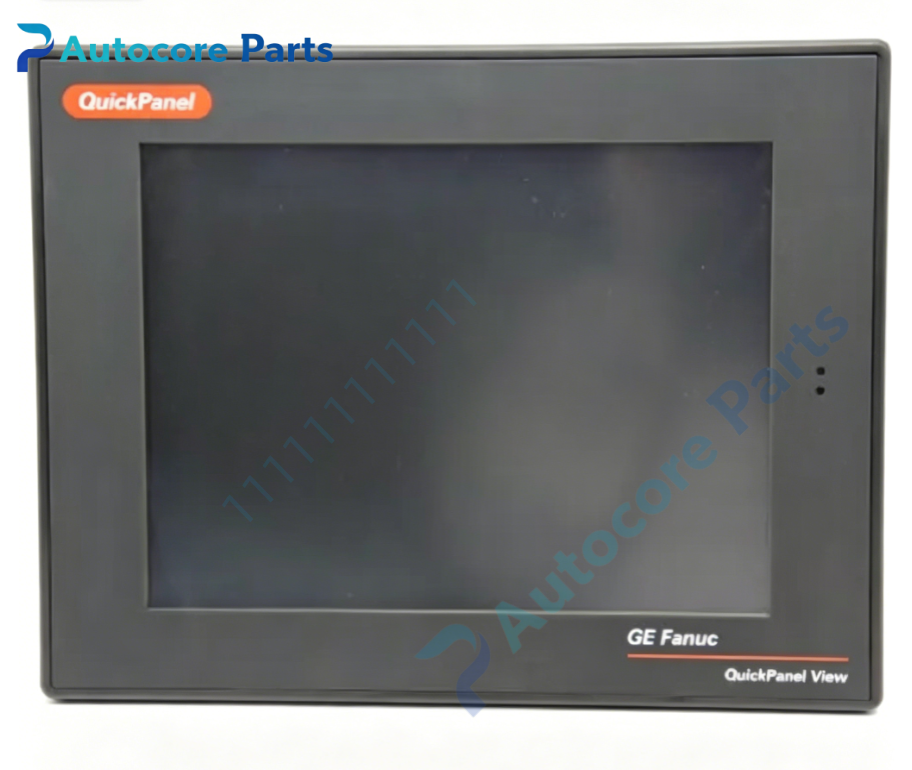
GE Fanuc IC754VBF12CTD-CB HMI Touch Panel

Technical SpecificationsModel:IC754VBF12CTD-CB Brand:GE Fanuc Product Type: 12-inch QuickPanel View industrial touchscreen HMI / operator interface terminal
Module Feature:Function: Industrial human-machine interface for machine and process monitoring, alarm display, data trending, recipe management, operator command input, communicate with GE PACSystems, Series90 PLC and third-party controllers. Display:12" Color TFT resistive touch screen OS:Microsoft Windows CE embedded system Memory:64MB DRAM,64MB Flash memory,512KB battery-backed SRAM for data retention Communication ports:10/100Mbps RJ45 Ethernet, RS232 serial port, USB host port Software:Proficy Machine Edition / QuickDesigner project development Function support:Real-time trend, historical log, alarm management, multi-language, built-in web server Panel flush mounting design, front face IP65 protection with proper gasket installation Hardware self-diagnosis:power monitoring, touchscreen error, storage and communication fault detection Support Modbus TCP, SNP, EGD and other industrial communication protocols
Electrical ParametersPower Input:24VDC, range 10.8~30VDC Max power consumption:48W
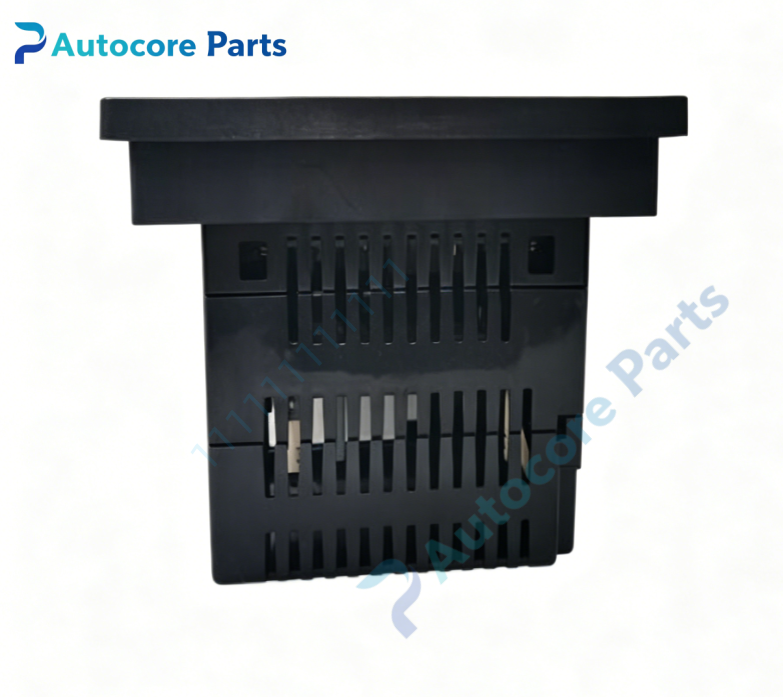
Mechanical & Structure:Mounting:Panel flush mount, panel cutout installation Front protection:IP65 (with gasket IC754ACC12GAS) Protection class:IP20 for rear housing Weight:3.6kg
Environmental:Operating temperature:0℃ ~ +60℃ Ambient humidity:5~95% non-condensing Certification:UL, CE, Class1 Div2 Status:Manufacturer discontinued legacy spare part
System compatibilityIC754VBF12CTD-CB belongs to GE Fanuc QuickPanel View HMI family. Compatible with PACSystems RX3i, Series90-30/70 PLC, VersaMax and other PLC brands. Widely applied in machine tool, packaging, water treatment, power auxiliary and factory automation.
FunctionIC754VBF12CTD-CB is GE Fanuc QuickPanel View 12-inch color touch HMI. It runs Windows CE embedded OS, collects real-time tag data from PLC, displays mimic diagram, trend curve and alarm messages. Operators can send control command via touchscreen. Ethernet and serial ports provide flexible PLC connection. Battery-backed SRAM keeps important production data when power fails.
InstallationFollow lockout/tagout safety procedure before installation. Cut panel opening, install sealing gasket IC754ACC12GAS, fix unit with mounting clips. Connect 24VDC power and communication cables. Download HMI project via Proficy Machine Edition, configure PLC communication parameters, power on and test screen operation and data link.
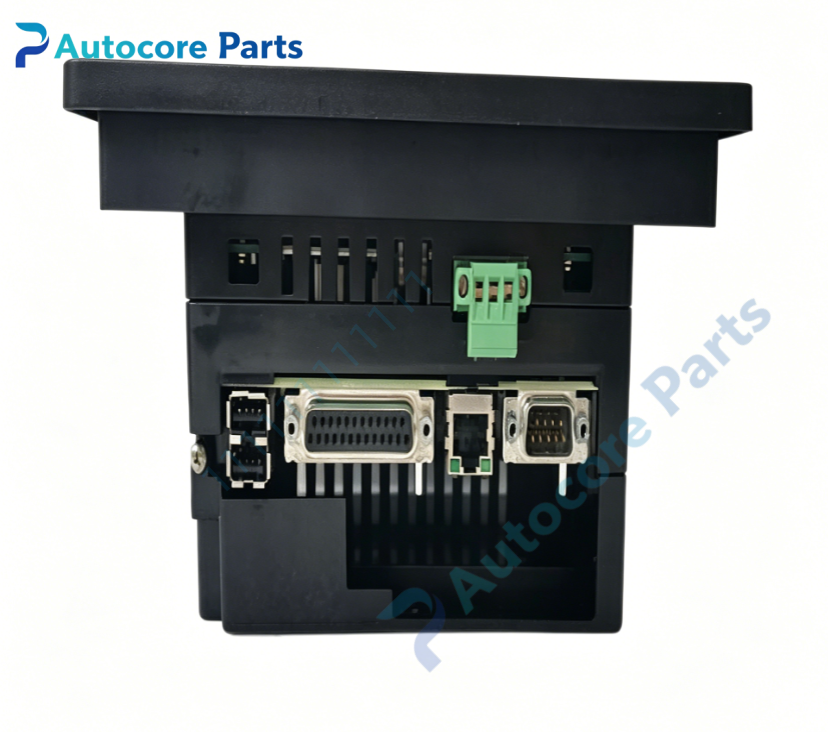
Interface24VDC power terminal,RJ45 Ethernet port,RS232 serial port,USB port,touchscreen display,on-board status LED indicators for GE Fanuc IC754VBF12CTD-CB.
DiagnosticScreen no power:Check 24VDC input and terminal wiring. No PLC data communication:Verify IP address,serial station number,cable and communication protocol setting. Touch unresponsive:Check touch calibration, physical damage or gasket interference.

Product BriefIC754VBF12CTD-CB is GE Fanuc legacy QuickPanel View 12 inch color TFT touch HMI,Windows CE embedded,used for industrial on-site monitoring and operator control,discontinued operator panel spare.